
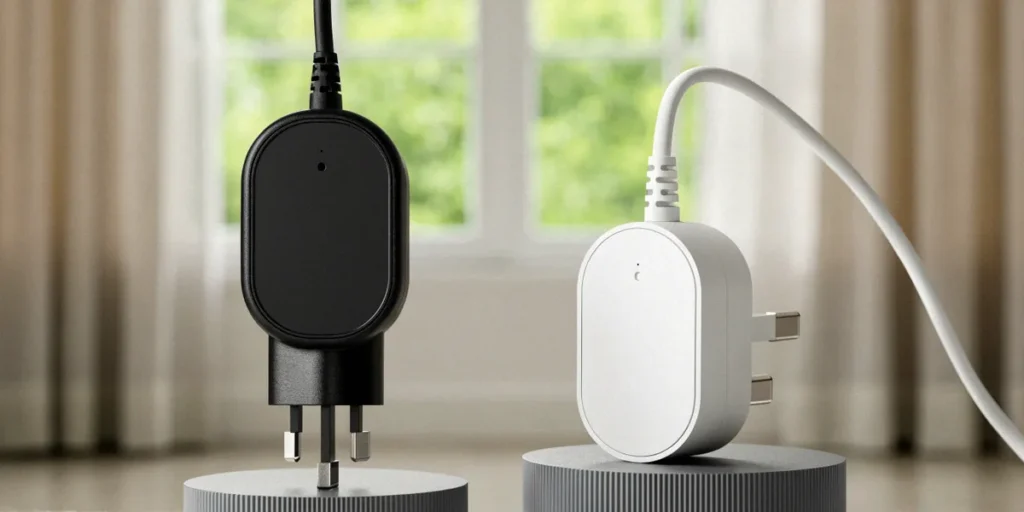
Zigbee vs Wi-Fi Plugs: Which Smart Plug Should You Buy in the UK?
It’s a familiar scene in thousands of UK homes this winter: the heating clicks on, the kettle boils, and someone opens the energy app to see what the day’s usage looks like so far. You’ve decided a smart plug or two could help you track down the energy guzzlers — the tumble dryer, the old fridge, the gaming PC left on standby — but then you hit the question that trips up almost every buyer: should you go Zigbee or Wi-Fi? Both promise remote control and scheduling, but they work in very different ways, and the right answer depends on your home, your hub, and how serious you are about energy monitoring. Here’s how we’d choose.
How Zigbee and Wi-Fi Smart Plugs Actually Work
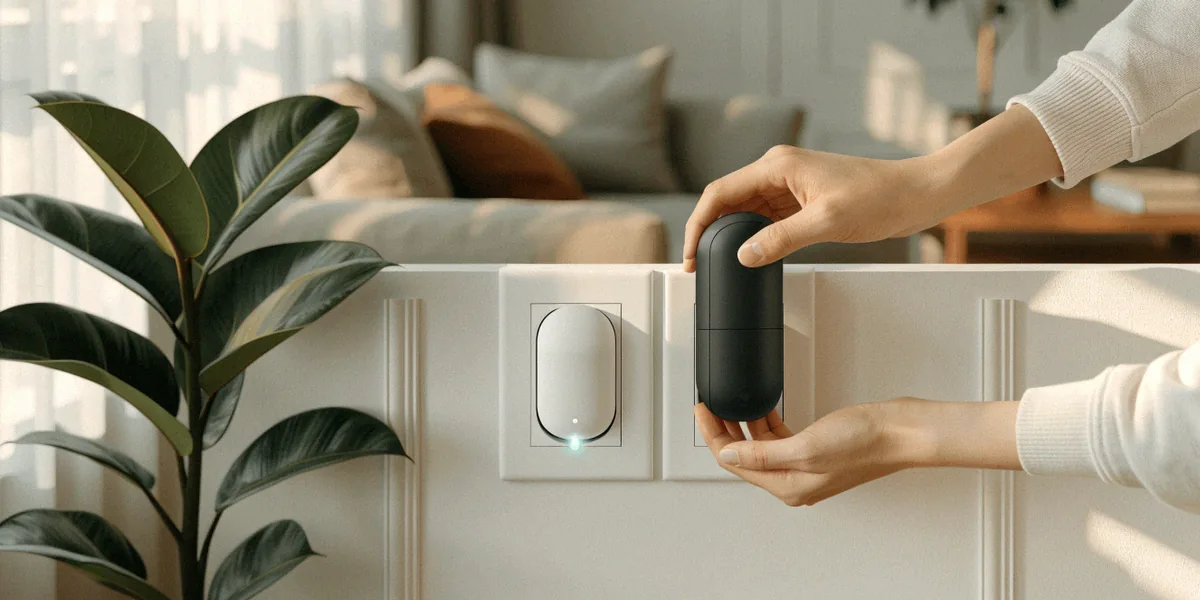
At the most basic level, the difference comes down to how the plug talks to the rest of your smart home. Zigbee uses a low-power mesh network that requires a hub, while Wi-Fi plugs connect directly to your router. Both operate on the 2.4GHz band, but they use entirely different protocols — which is why a Zigbee plug can’t talk to your router without a bridge of some kind.
Zigbee: The Mesh Network Approach
Zigbee is a radio protocol designed for low-power devices. Each mains-powered Zigbee device — a smart plug, a bulb, a sensor — acts as a repeater, passing signals along to other devices in the mesh. That means the more Zigbee devices you have, the stronger and more far-reaching the network becomes. You’ll need a hub to tie it all together: a Philips Hue Bridge, a Samsung SmartThings Hub, or a smart speaker with Zigbee built in. Handily, both Philips Hue and Amazon Echo Plus have built-in Zigbee hubs, so if you already own one, you’re halfway there.
Wi-Fi: Direct-to-Router Simplicity
Wi-Fi plugs skip the middleman. Each plug connects straight to your home router over 2.4GHz, which means no hub, no bridge, and no extra box under the telly. You plug it in, open the app — TP-Link Kasa, Amazon Alexa, Belkin Wemo — and you’re controlling it within minutes. The trade-off is that every plug is another device competing for router bandwidth, and each one needs a strong enough signal to stay online reliably.
Reliability and Range in UK Homes
British housing stock is not kind to wireless signals. Victorian terraces with internal brick walls, stone cottages in the Cotswolds, and post-war flats with foil-backed plasterboard all pose challenges that a mesh network handles far more gracefully than a single router. This is where the Zigbee-versus-Wi-Fi debate gets genuinely practical.
Signal Strength Through Brick and Stone
A Zigbee mesh extends its reach every time you add a mains-powered device. Put a Zigbee plug in the kitchen, another in the hallway, and a third in the back bedroom, and the signal hops from one to the next — no single point of failure. Wi-Fi plugs, by contrast, live or die by your router’s coverage. If your broadband hub is in the front room and the plug is in a garden office behind two layers of brick, you may find it drops offline regularly. In a Victorian terrace, that’s a real risk.
Router Load and Device Limits
Wi-Fi plugs like the TP-Link Kasa range and the Amazon Smart Plug are genuinely easy to set up, and for a handful of devices they’re faultless. But add twenty of them across a large home and you’re asking a lot of a standard ISP router, which may already be juggling phones, laptops, and a streaming stick. Consumer routers typically handle 30 to 50 devices comfortably, and smart plugs are chatty little things. Zigbee sidesteps this entirely by keeping plug traffic off your Wi-Fi network.
Energy Monitoring and Smart Meter Integration
If energy saving is your main motivation — and for most UK buyers right now, it is — the monitoring features matter as much as the connectivity.
Which Plugs Track kWh Accurately?
Many Wi-Fi plugs from brands like TP-Link and Belkin Wemo offer real-time energy monitoring, showing watts, kilowatt-hours, and estimated running costs directly in their apps. That’s a huge advantage if you want to know exactly what your tumble dryer or dehumidifier is costing per cycle. Zigbee plugs such as Samsung SmartThings and Innr often lack built-in monitoring unless paired with a compatible hub that supports power metering — so check the spec carefully before buying, because not all Zigbee plugs are created equal.
Pairing with UK Smart Meters and Demand Response
Here’s where things get interesting for UK households. Smart meters (SMETS2) can be paired with apps like Loop or Bright to give you whole-home visibility, and when you combine that with per-appliance data from smart plugs, you get a genuinely useful picture of where your money goes. That data also opens the door to demand response — shifting heavy loads like washing machines and dishwashers to off-peak windows, or responding to grid events when suppliers ask you to reduce usage. Neither Zigbee nor Wi-Fi plugs do this on their own, but both can feed the apps that make it possible.
Cost, Compatibility, and Ecosystem Lock-In
Upfront cost is rarely as simple as the sticker price, because hubs change the maths.
Hub Costs vs Standalone Savings
Zigbee plugs are often cheaper per unit — sometimes £8 to £12 each — but they require a hub. If you don’t already own one, you’ll pay £25 to £60 for a SmartThings Hub, Philips Hue Bridge, or similar. Wi-Fi plugs work standalone but typically cost more per plug, often £15 to £25. The crossover point is usually around four to six plugs: below that, Wi-Fi is cheaper overall; above it, Zigbee starts to win.
- Zigbee: low per-plug cost, hub required, mesh reliability, best in larger homes
- Wi-Fi: higher per-plug cost, no hub, simple setup, best for small setups
- Both: work with Alexa and Google Home for voice control in the UK
Matter, Thread, and the Future of UK Smart Homes
Matter and Thread are emerging standards worth factoring into any purchase you make now. Matter is a common language that lets devices from different brands work together, while Thread is a low-power mesh protocol similar in spirit to Zigbee. Many newer plugs support Matter over Wi-Fi or Matter over Thread, which reduces the risk of ecosystem lock-in. If you’re buying today, prioritising Matter-certified devices is a sensible hedge against future changes.
Our Verdict: Which Should You Choose?
We’d choose Zigbee if you live in a larger home, already own a hub (or a Philips Hue Bridge or Echo Plus), and plan to add many devices over time. The mesh network will serve you better through thick walls, and the per-plug cost is lower once you’re past a handful of units. We’d choose Wi-Fi if you want simplicity, you’re only buying two or three plugs, and your router covers your home adequately. There’s no single winner — only the right fit for your property.
Best for Small Flats and Renters
If you’re renting a one-bed flat in London or Manchester, Wi-Fi is almost certainly the smarter buy. You can’t drill into walls or install hubs permanently, setup takes minutes, and you can take the plugs with you when you move. A couple of TP-Link Kasa plugs with energy monitoring will tell you what your space heater is really costing.
Best for Whole-Home Energy Monitoring
For a rural cottage or a large detached house where you want to monitor multiple appliances and integrate with your smart meter data via Loop or Bright, Zigbee plus a hub is the more robust long-term choice. Add Matter-certified devices where possible, and you’ll have a system that scales with your energy-saving ambitions.
FAQ
Do I need a hub to use a Zigbee smart plug?
Yes — Zigbee plugs require a hub to connect to your network and apps. You can use a dedicated hub like Samsung SmartThings, a Philips Hue Bridge, or a smart speaker with Zigbee built in, such as the Amazon Echo Plus.
Can Wi-Fi smart plugs monitor my energy usage accurately?
Many can. TP-Link Kasa and Belkin Wemo Wi-Fi plugs offer real-time energy monitoring with wattage, kWh, and cost estimates. Accuracy is generally good enough for identifying high-drain appliances, though it won’t match a calibrated energy meter.
Will a Zigbee plug work with my UK smart meter?
Not directly. Smart meters (SMETS2) connect to apps like Loop or Bright independently. Your Zigbee plug feeds data into its own app, and you can use both together to build a fuller picture of home energy use and support demand response.
Is Matter going to make Zigbee and Wi-Fi plugs obsolete?
No — Matter is a compatibility layer, not a replacement protocol. It lets devices communicate across ecosystems, and both Zigbee and Wi-Fi plugs can support it. Buying Matter-certified plugs now is a good way to future-proof your setup.
Which is better for a Victorian terrace with thick walls?
Zigbee, in most cases. The mesh network extends through mains-powered devices, so signal reaches rooms that a single router might struggle to cover. Wi-Fi plugs can work, but you may need a mesh Wi-Fi system to match Zigbee’s reliability.
Ultimately, the best smart plug for your UK home comes down to three things: the size and construction of your property, whether you already own a hub, and whether energy monitoring is a nice-to-have or the whole point. Zigbee rewards larger setups and older houses; Wi-Fi rewards simplicity and small flats. Whichever you pick, pair it with your smart meter data and you’ll finally see where the money is going.